
通过Windows 10中的远程桌面连接在Kali Linux中登录后的黑屏
由
Bobi发布于
I recently installed the Kali Linux app in Windows 10,(https://www.microsoft.com/store/productId/9PKR34TNCV07) then followed the instructions on the website https://www.kali.org/news/kali-linux-in-the-windows-app-store/ . After then, I initiated remote desktop connection in Windows 10, and I logged in Kali Linux. All I am getting is a blank screen, and after some time the message below.
在没有此问题的情况下如何运行Kali Linux?
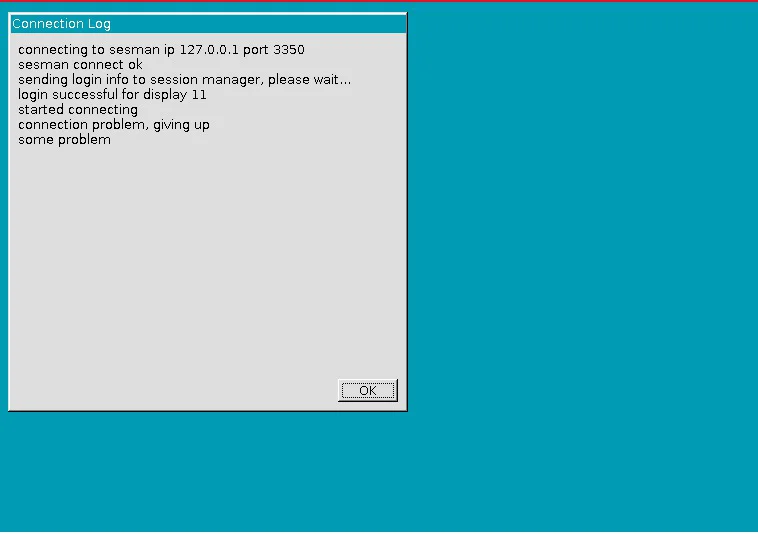
正确设置了远程桌面,并且也正确安装了WSL中的Kali Linux。